Opencode Workbench
Provision an OpenCode workbench and MCP stack on any Linux box, local or over SSH.
Connector by ascent-partners.com · Domain verified by the MCP Registry
Install
Works with Claude Code, VS Code, Codex, Cursor, Windsurf, Claude Desktop. Read the repository before you give any tool access to your data.
npx agentmarket install connector/ascent-partners-com-opencode-workbench
Asks which of your tools to add it to (Claude Code, Codex, Cursor, VS Code, Windsurf, Gemini CLI, Claude Desktop) and shows the change first. See https://agentmart.dev/cli.
Remote endpoint
https://opencode-workbench.simonmak.com/mcpRemote (HTTP)
Get the weekly diff
The weekly diff: one email a week with new agent tools, notable updates and grade changes, plus security alerts for tools you follow. Double opt-in, one-click unsubscribe.
About
Reviews
Write a reviewNo reviews yet. Installed it? Reviews come from verified installers only. How reviews work
Permissions
What this server can do and what it asks for, from its tool list, install config and code. Checked Oct 26, 2026.
- Tools
- 6 read · 0 write · 4 delete
- Secrets
- None asked for
- Install scripts
- None found
- Runs as
- Node.js package
Tools by what they do 10
From the running server's own tool list (tools/list) on Oct 25, 2026.
Read 6 · Look things up without changing anything.
describe_workbenchinspect_targetlist_required_credentialsplan_clonerun_auth_flowverify_clone
Delete 4 · Delete, drop, revoke or wipe things.
apply_cloneinstall_componentremove_componentupdate_component
Network hosts it talks to 42
api.deepseek.com· found in codeapi.github.com· found in codeapi.moonshot.cn· found in codeapi.perplexity.ai· found in codeapi.search.brave.com· found in codeastral.sh· found in codecli.github.com· found in codeconsole.cloud.google.com· found in codecontext7.com· found in codedash.cloudflare.com· found in codedashboard.exa.ai· found in codedashboard.stripe.com· found in codedeb.nodesource.com· found in codedeveloper.company-information.service.gov.uk· found in codefirecrawl.dev· found in codefredaccount.stlouisfed.org· found in codeget.docker.com· found in codegithub.com· found in codeglama.ai· found in codeinstall.surrealdb.com· found in codemcp.cloudflare.com· found in codemcp.context7.com· found in codemcp.exa.ai· found in codemcp.grep.app· found in codemcp.sentry.dev· found in codemcp.stripe.com· found in codemcp.vercel.com· found in codeopencode-workbench.simonmak.com· found in remote endpoint, install command, codeopencode.ai· found in codeopenrouter.ai· found in code
Show 12 more hosts
perplexity.ai· found in codeplatform.deepseek.com· found in codeportal.azure.com· found in codeprimary-sources-mcp.vercel.app· found in codeprimeradiant.com· found in coderam.console.aliyun.com· found in coderaw.githubusercontent.com· found in coderpm.nodesource.com· found in codesentry.io· found in codevdd.simonmak.com· found in codevercel.com· found in codezen.opencode.ai· found in code
Files it touches
~/.env.workbench/home/node/home/node/.local/bin/home/node/.local/bin/browser-mcp/browser-mcp-server-v2.js/home/node/.local/bin/browserless-mcp/dist/index.js/home/node/.local/bin/github-mcp-server/home/node/.local/bin/perplexity-agent-mcp/index.js/home/node/.local/bin/postgres-mcp-shim.mjs/home/node/.local/bin/surreal-mcp-shim.mjs/home/node/.mcp/google-workspace-mcp/home/node/.npm-global/lib/node_modules/home/node/.npm-global/lib/node_modules/@adenot/mcp-google-search/build/index.js/home/node/.npm-global/lib/node_modules/@jpisnice/shadcn-ui-mcp-server/build/index.js/home/node/.npm-global/lib/node_modules/@modelcontextprotocol/server-brave-search/dist/index.js/home/node/.npm-global/lib/node_modules/@playwright/mcp/cli.js/home/node/.npm-global/lib/node_modules/mcp-design-system-extractor/dist/index.js/home/node/.npm-global/lib/node_modules/mcp-echarts/build/index.js/home/node/.npm-global/lib/node_modules/mcp-mermaid/build/index.js/home/node/.npm-global/lib/node_modules/saga-mcp/dist/index.js/home/node/.npm-global/lib/node_modules/swagger-testcase-mcp/dist/index.js/home/node/design-extract-output/home/simonmak/tmp/brainstorm- Your home directory (~)
~/.local/bin/github-mcp-server~/opencode-workbench~/threads/thread-manager~/threads/types
Tools (10)
As the server listed them on Oct 25, 2026. Descriptions are the server’s own words; hidden characters are shown as [U+…].
apply_cloneApply a Workbench clonecan change or delete dataApply the Workbench profile to a target: clone the repo and install missing components (OpenCode CLI, Node/pnpm, MCP servers, skills, plugins, optional Docker). It OVERWRITES `<home>/.config/opencode/opencode.json`, copies `AGENTS.md`, resets an existing profile repo to `origin/main`, and runs global installs that need write permission (plus SSH for `mode:ssh`) and can take minutes. Writes a names-only `~/.env.workbench` (mode 600); never secret values. Consent-gated and idempotent: without `confirm:true` it returns the plan and changes nothing. Parameter semantics: `components` defaults to re…
describe_workbenchWorkbench server inforead-onlyDescribe this MCP server from its bundled profile without contacting any target or making a network call: repository URL, the default component set, components grouped by tier (required/core/optional), and optional MCP add-ons. It takes no parameters, is always safe, and returns instantly. Use it first to resolve a component id for install_component/remove_component/update_component or to see available add-ons; use inspect_target for a machine's live state.
inspect_targetInspect a Linux targetread-onlyProbe one Linux machine — this host (`local`) or a remote host over SSH (`ssh`) — and report its OS, kernel, architecture, package manager, Node/npm, OpenCode, Docker, and per-tool detection flags, plus the names (never values) of credentials present. Read-only: it runs one shell probe as the target user (over SSH when `mode:ssh`), installs nothing, writes nothing, contacts no external service, and can take a few seconds per hop. Parameter semantics: `target.mode` selects local vs ssh (default `local`); `target.host` is required only for ssh; `target.user` defaults to the ssh config/current us…
install_componentInstall one Workbench componentcan change or delete dataInstall a single Workbench component by id (e.g. `node`, `opencode`, `npm-mcps`, `skills`) on a target; `component` must be an id from describe_workbench. Overwrites that component's files when present (e.g. `skills`/`plugins` replace the copies under `<home>/.config/opencode`); global installs need write permission and can take minutes. Idempotent and consent-gated: without `confirm:true` it returns the plan. Parameter semantics: `component` is required; `workspace` defaults to `~/opencode-workbench`; `confirm` defaults to false (plan only). Use it for one targeted component; use apply_clone …
list_required_credentialsList required credentialsread-onlyList the credentials the profile references, which the target already provides, and how to acquire each missing one. Value-blind: it reads only whether each env var is set — no values, no network, no writes — via one read-only probe. Parameter semantics: `target` selects the machine (`local` or SSH) and its `home` sets the returned `template` path and the env file the presence check reads; there are no other parameters. Returns `present`/`missing` var-name arrays plus one guidance record per credential (`var`, `purpose`, `url`, `method`, `command`). Use it after plan_clone to see what would de…
plan_clonePlan a Workbench cloneread-onlyReturn a read-only plan for a target: compare it against the Workbench profile and list each component as `install`, `present`, or `manual`, with the commands that would run. It still runs a detection probe on the target (same access as inspect_target) but clones nothing and writes nothing. Parameter semantics: `components` restricts the diff to those ids (default: required+core); `workspace` sets the expected profile path on the target (default `~/opencode-workbench`); `profileUrl` overrides the git remote. Use it to preview before apply_clone, which performs the changes.
remove_componentRemove one Workbench componentcan change or delete dataUninstall one Workbench component by id from a target — the inverse of install_component — for a bounded, documented subset with an automated uninstall (e.g. `opencode`, `pnpm`, `npm-mcps`, `skills`, `docker-containers`); `component` must be an id from describe_workbench. Idempotent: an already-absent component reports `absent`; a component with no automated uninstall (system packages such as git/curl/node) reports `manual`. Destructive and consent-gated: without `confirm:true` it returns a preview and changes nothing, and it deletes only that component's files — never `opencode.json` or the p…
run_auth_flowAcquire one credential (best-effort)read-onlyReturn the acquisition plan for one credential on a target: the provider URL, the exact non-interactive command when one exists (e.g. `opencode auth login`, `opencode mcp auth vercel`, `gh auth login`), and whether it is already present. Read-only and value-blind: it emits guidance and re-checks presence with one read-only probe; it does not run the commands or handle secret values. Parameter semantics: `var` must be an env var name returned by list_required_credentials (unknown names error); `target` selects the machine and its `home` is where the value should be written. Use it for a single …
update_componentUpdate one Workbench componentcan change or delete dataUpdate one Workbench component in place by id: re-run its install script to fetch the current version (e.g. `opencode` re-runs the official installer; `npm-mcps` reinstalls the latest globals). It OVERWRITES the component's files, needs write permission, and can take minutes for global installs; the resolved version may change. Parameter semantics: `component` must be an id from describe_workbench; `workspace` defaults to `~/opencode-workbench`; `dryRun` previews; `confirm` defaults to false — set `confirm:true` to apply. For the whole profile use apply_clone.
verify_cloneVerify a Workbench cloneread-onlyRe-check a target after a clone: return a per-component `present`/`missing` list plus whether `opencode.json` and `~/.env.workbench` exist. Read-only and idempotent: it runs a detection probe (SSH or local) and checks files, writing nothing. `target` selects the machine (`local` or SSH) and its `home` is where the `opencode.json` and `~/.env.workbench` checks run; `components` restricts the check to those ids (omit it to check every component, the default); `workspace` sets the profile path used by component checks. Use it after apply_clone and after component changes; for a pre-clone preview …
Signals
- Stars
- 1
- Forks
- 0
- Open issues
- 0
- Last commit
- Oct 24, 2026 (6 days ago)
- Last release
- Oct 14, 2026 (15 days ago)
From GitHub (fetched Oct 24, 2026).
Details
- Registry name
com.ascent-partners/opencode-workbench- Version
- 4.0.2
- Auth
- Auth not stated
- Packages
- npm @simonmak-ascent/opencode-workbench
- License
- MIT
- First seen
- Oct 24, 2026
- Last checked
- Oct 25, 2026
More from ascent-partners.com
- 0.586score
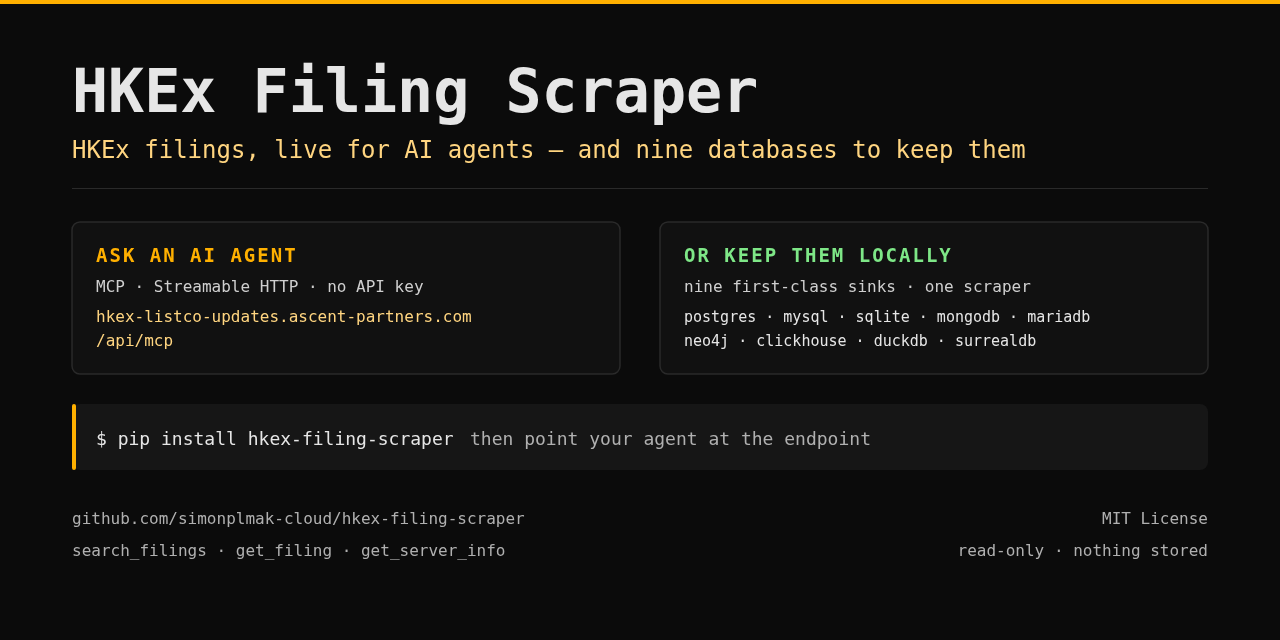
HKEx Filings
ascent-partners.com
Live HKEx (Hong Kong Stock Exchange) regulatory filings for AI agents.
ConnectorAFreshness: ARemoteLocalRead-only★ 16↓ 60/wkClaude Code +5 - 0.568score
Startup Valuation MCP Server
ascent-partners.com
Startup valuation for AI agents: 14 tools, 80+ pre-revenue formulas.
ConnectorAFreshness: ARemoteLocalRead-only★ 3↓ 71/wkClaude Code +5 - 0.561score

Intangible Asset Valuation MCP Server
ascent-partners.com
Intangible asset valuation: 14 tools, 124+ formulas for IP, technology, goodwill, PPA, impairment.
ConnectorAFreshness: ARemoteLocalRead-only★ 1↓ 92/wkClaude Code +5 - 0.559score

Fair Value MCP Server
ascent-partners.com
Valuation MCP: DCF/NAV/CCA, WACC, derivatives, credit risk, fixed income, structured products.
ConnectorAFreshness: ARemoteLocalRead-only★ 1↓ 74/wkClaude Code +5 - 0.543score
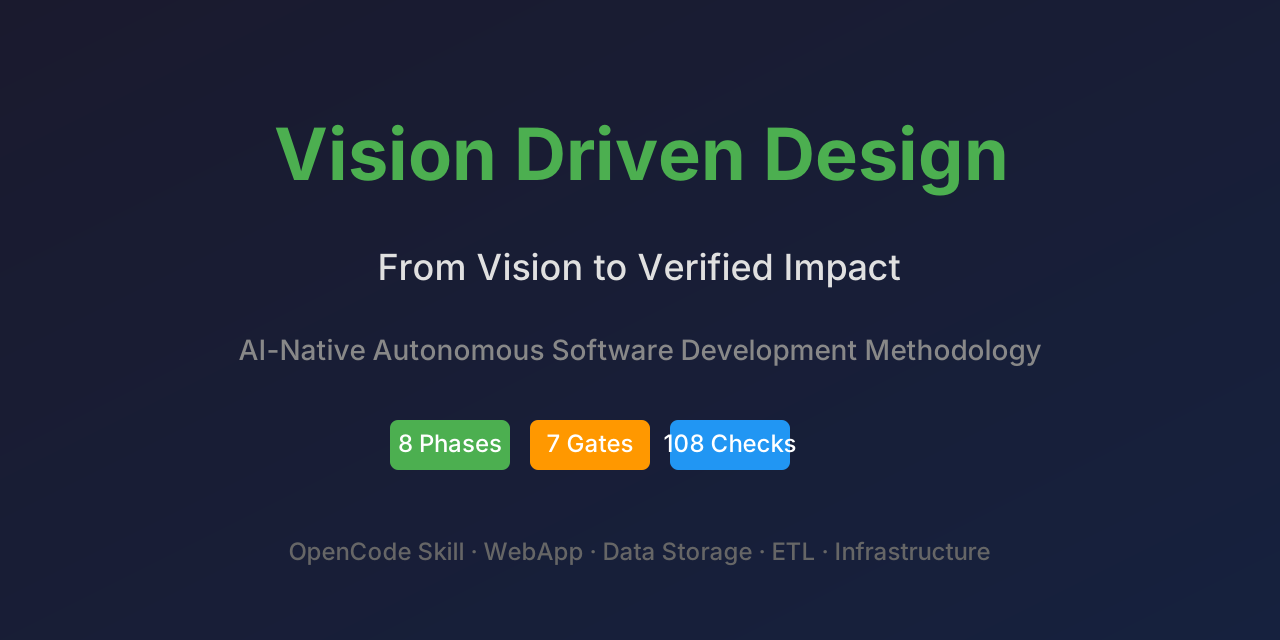
Vision Driven Design (VDD) MCP Server
ascent-partners.com
Spec-driven development MCP server: 8 phases, bi-directional traceability, 7 quality gates.
ConnectorAFreshness: ARemoteLocalRead-only★ 2Claude Code +5 - 0.534score

ESG Hub MCP Server
ascent-partners.com
ESG knowledge base for AI agents: hybrid search, glossary, frameworks, industries, graph traversal.
ConnectorAFreshness: ARemoteLocalRead-only★ 1Claude Code +5
Cite this page
Opencode Workbench MCP server. Agent Mart. https://agentmart.dev/connectors/ascent-partners-com-opencode-workbench (last updated 2026-10-25)